
Services
AI operations with a business case
Connect finance, operations, and IT around a measurable roadmap. We design governed AI workflows across your CRM, ERP, and field systems, then help you improve them as the business grows.
Our approach
Strategy. Build. Operate.
We start with margin leakage, delayed billing, and operational risk. Software, integrations, and AI are selected around the outcome and the systems you already use.

Administrative burden
It is not being busy. It is work your tools leave behind.
Administrative burden is the retyping, chasing, reconciling, and checklisting that grows with every new client and every new tool, even when nobody hired for it.
Data re-entry
The same order, invoice line, or client detail typed into a second system because nothing hands it off.
Status chasing
Slack pings and inbox follow-ups to learn whether something moved, because the systems do not tell each other.
Document assembly
Quotes, invoices, and weekly reports built by hand from pieces that already live somewhere else.
Setup checklists
New clients or staff onboarded from the same folder-and-account ritual, rebuilt from memory every time.
Busywork is the symptom. Administrative burden is the load. We map where it concentrates, automate the hops, and leave judgment with your team.
What happens on the hardest days?
That is the question that names the real load. Quiet weeks hide the cracks. Hard days expose them: month-end, a surge of jobs, three new clients at once, someone out sick. The same handoffs that felt “fine” suddenly stack into late invoices, missed follow-ups, and a team stuck retyping instead of deciding.
Can automation reduce the burden?
Yes, when it removes hops without removing judgment. Automation should move data, assemble the first draft, and flag exceptions. People still decide, approve, and handle the weird cases. That is how the hardest days get lighter without turning your ops into a black box. Read more

Operational architecture
Map the handoffs across finance, operations, and IT. Quantify margin leakage, billing delays, and control gaps, then prioritize a delivery roadmap with your leadership team.
Operational Discovery Audit: fixed fee with scope agreed before kickoff.

AI & systems integration
Build production workflows that extract information, prepare transactions, and route exceptions for approval. Permissions, monitoring, and handover are part of the scope.
Enterprise transformations are scoped fixed-fee following the audit, with complexity reflected in your proposal.

Handover & follow-on support
Every build ends with runbooks, source access, and a handover session with your ops and IT leads. When something breaks or priorities shift, you can book scoped follow-on work (fixes, integrations, governance reviews), quoted per engagement.
See handover & follow-onWe build with
 Claude
 ChatGPT
 Gemini
 Cursor
 n8n
n8n Slack
Slack Zapier
 Make
Make
How we work
Phased delivery, not a big bang
After delivery
Your team runs the operation. We stay available for scoped work.
ThinkIQ is not a standing fractional executive on your org chart. We deliver systems your team can operate, then quote follow-on work when you need it, without implying a permanent COO retainer.
Included in a typical handover
- Runbooks, configs, and source in your environment
- Handover session with named owners for exceptions and approvals
- Optional scoped blocks for fixes, new integrations, or vendor changes
- Governance reviews when models, access, or retention terms change
What we do not sell by default
- A weekly seat in leadership meetings by default
- Open-ended “unlimited builds” or 24/7 monitoring unless explicitly scoped
- Replacing your operations or IT leadership
Who we work with
Built for complex, scaling operations.
Field-based operations
HVAC, trades, facilities, telecom. Dispatch, AP, and purchasing process hundreds of transactions daily across systems that do not talk. Administrative burden sits in the middle of every handoff.
Fewer manual hops between dispatch and finance
ServiceTitan, QuickBooks, CRM, email
Agencies & professional services
Client onboarding, reporting, time tracking, and status updates live in different tools. Admin burden grows with every new client because the team is the integration layer.
Less setup per new client
HubSpot, Asana, Harvest, Slack
Retail & commerce
Orders, inventory, returns, and reconciliation spread across storefront, POS, and accounting. Someone still exports CSVs every morning.
Data that syncs without a daily cleanup
Shopify, POS, Klaviyo, QuickBooks
Education & enrollment
Seasonal intake, class setup, and scheduling across forms, folders, and booking tools. Peak weeks bury the ops team in copy-paste admin.
Season prep in hours, not weeks
Jotform, scheduling tools, Drive, email
Where we start

The PO number is wrong
Work stops until someone emails finance. That exception path needs a rule, not another meeting.

New client signed
Folders, accounts, welcome emails. Same checklist, rebuilt by hand every time.

Friday reporting
Three exports, one spreadsheet, one deck. Every week.
Onboarding automation
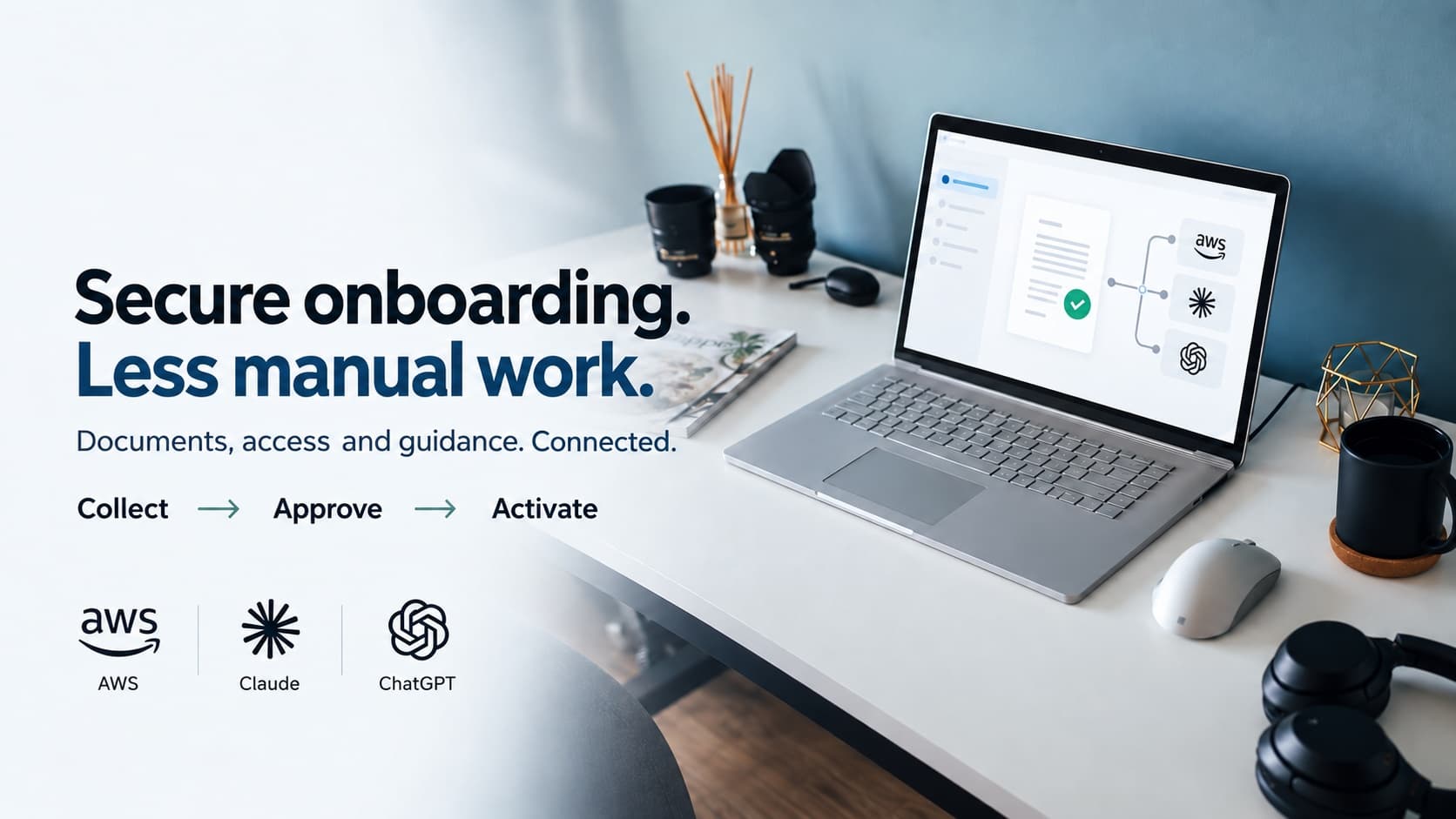
Secure onboarding, automated on AWS
Whether someone is starting a new job, moving into a new role, or learning a new product, onboarding shouldn't take weeks of emails, forms, and manual setup. ThinkIQ builds secure onboarding workflows on AWS that get people productive faster, with your team approving every step that matters.

AI security & governance
Secure by design: our AI governance standard.
We deliver sovereign AI using the secure patterns on our Security page for agentic development: allowlisted tools, approval gates, injection-aware design, and traceable runs, plus scoped providers, retention rules, and least-privilege access before production.
Implementations are traceable and owned by qualified professionals through deployment and handover. Zero-data-retention APIs are an option where the provider qualifies. We verify terms and configuration instead of treating an enterprise subscription as a privacy guarantee.

Get started
Build the business case for better operations
Review your AI controls, then build a business case for better operations.
FAQ
Answers to the questions we get
What is administrative burden?
It is the unpaid ops work your tools leave behind: retyping data, chasing status, assembling reports, and rebuilding the same setup checklist. Busywork is how it feels day to day. Administrative burden is the load that grows with volume even when headcount does not.
What happens on the hardest days?
The cracks show. Month-end, a volume spike, three new clients at once, or a key person out sick. The handoffs that felt manageable on a quiet Tuesday stack up. Late invoices, missed follow-ups, Slack as the system of record. Hard days do not create the burden. They reveal it.
Can automation reduce administrative burden?
Yes, when it removes hops instead of judgment. Automation should move data, assemble first drafts, and surface exceptions. Your team still decides and handles the weird cases. If the process itself is unclear, we fix that in the audit before anyone automates.
Can we approve actions before they happen?
Yes. Approval steps can be scoped for actions such as sending documents, updating important records, or placing orders. We agree which steps need an authorized person before they proceed. That list is set per engagement; it is not a default applied to every existing workflow.
What happens if an automation fails?
The project scope defines how failures are flagged, what gets recorded, who is responsible, and how recovery starts. After a build handover, your team owns day-to-day response unless you choose optional ongoing support. That support is not 24/7 monitoring unless we explicitly agree it.
What kinds of companies do you work with?
Our focus is scaling mid-market operations, typically 100 to 500 employees, and enterprise teams with complex handoffs across CRM, ERP, and field tools. We work with finance, operations, and IT leaders to prioritize margin, cash flow, and governance.
What does an engagement look like?
Start with an Operational Discovery Audit, move into a phased operational transformation with handover to your team, and book scoped follow-on work only when you need extra delivery capacity.
How is this different from hiring a developer?
We treat ownership, exceptions, and maintenance as part of the build. That means agreed permissions, approval steps where they matter, a recorded path when something fails, and documentation so your team can run the workflow. Optional support is there if tools or volume shift after handover.
How long does a typical project take?
Timing depends on integration access, controls, and rollout complexity. We agree milestones during the audit and deploy in phases so your team can validate working systems early.
Do you replace our existing tools?
No. We connect them. The point is to make what you already have work together without a person in the middle.
Where are you based?
Ottawa. Most discovery work starts remote; onsite time depends on the audit.
Do you set up Claude, ChatGPT, Gemini, or Cursor?
Yes. A lot of teams bought seats and never got past chat. We set up projects, skills, and the connections into Slack, email, CRM, and files, then automate the handoffs those tools still leave to people.
What tools do you automate with?
Whatever you already pay for. Common stack: Claude, ChatGPT, Gemini, Cursor, n8n, Zapier, Make, Slack, HubSpot, QuickBooks, Shopify. We do not ask you to rip and replace the system of record.